

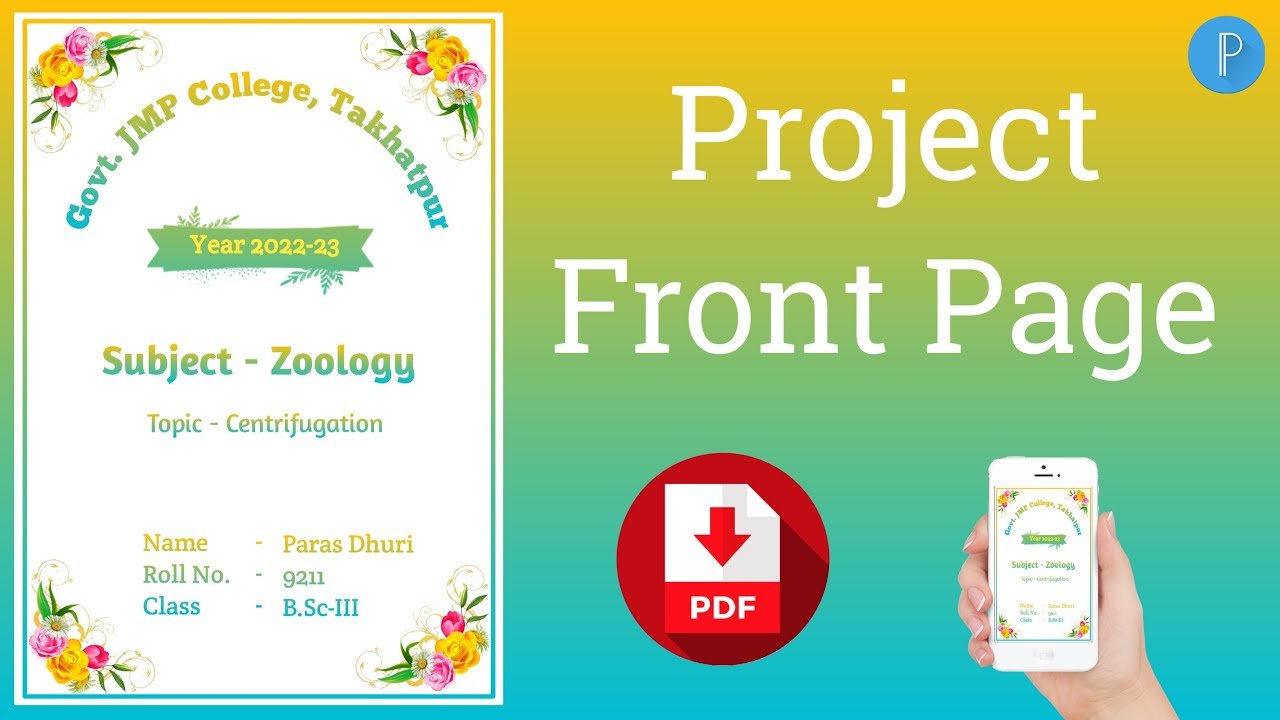
Learn how to create a professional project front page on mobile using PixelLab. Watch our step-by-step video tutorial and easily design your school or college project cover page.
Article Structure
How to Create Project Front Page in Mobile Using PixelLab
If you want to create a professional project front page on your mobile, you don’t need a computer or laptop. With the PixelLab app, you can easily design an attractive project cover page directly from your smartphone.
In this tutorial, we will show you how to create a project front page in mobile using PixelLab, including page size, background, text, images, borders and other design elements.
Watch the Video Tutorial
इसके ऊपर/नीचे यह text रख सकते हैं:
Watch the complete video tutorial below and follow the step-by-step process to create your own project front page using PixelLab on mobile.
What You Will Learn in This Tutorial
इस video में आप सीखेंगे:
- PixelLab में project page का size कैसे set करें
- Project का background कैसे लगाएं
- Title और subject name कैसे add करें
- Student details कैसे लिखें
- School/college name कैसे add करें
- Images और shapes कैसे लगाएं
- Attractive border कैसे बनाएं
- Text alignment कैसे करें
- High-quality project front page कैसे save करें
What is PixelLab?
PixelLab एक mobile graphic designing app है जिसकी मदद से आप text, images, shapes और backgrounds का इस्तेमाल करके अलग-अलग प्रकार के designs बना सकते हैं।
Students के लिए PixelLab की मदद से project front page, assignment cover page, practical file cover और school project designs बनाना काफी आसान है।
Project Front Page के लिए PixelLab क्यों इस्तेमाल करें?
Mobile पर PixelLab से project front page बनाने के कई फायदे हैं:
- Computer की जरूरत नहीं
- Mobile से आसानी से design किया जा सकता है
- Custom text और fonts इस्तेमाल कर सकते हैं
- Images और shapes add कर सकते हैं
- High-resolution design export कर सकते हैं
- School और college projects के लिए useful है
Project Front Page में क्या-क्या लिखें?
एक सामान्य project front page में आप ये details शामिल कर सकते हैं:
Project Title
Subject Name
Project Topic
Submitted By
Student Name
Class
Roll Number
School/College Name
Session
अपनी requirement के अनुसार इनमें से details add या remove कर सकते हैं।
Best Project Front Page Design Tips
Professional look के लिए:
- Simple और clean design रखें।
- ज्यादा fonts का इस्तेमाल न करें।
- Title को clearly highlight करें।
- Subject और topic को readable रखें।
- Relevant images का इस्तेमाल करें।
- Background और text में अच्छा contrast रखें।
- Final design को high quality में export करें।
Download Link


Conclusion
अब आप आसानी से अपने mobile में PixelLab App का इस्तेमाल करके professional Project Front Page बना सकते हैं। अगर आप पूरी process practically देखना चाहते हैं, तो ऊपर दिया गया video tutorial देखें और उसी के अनुसार अपना project front page तैयार करें।
यह method school projects, college assignments, practical files और project reports के लिए उपयोग किया जा सकता है।
FAQs
1. Can I create a project front page on mobile?
Yes. You can create a professional project front page directly on your mobile using PixelLab.
2. Which app is best for making a project front page on mobile?
PixelLab is a useful option for creating text-based project cover pages on mobile.
3. Can I make an A4 project front page in PixelLab?
Yes, you can create a custom A4-size canvas in PixelLab for your project cover page.
4. Can I use PixelLab for college project front pages?
Yes, PixelLab can be used for school and college project front pages, assignments and practical files.
